Minion Management
Minion Gear: Automatic Choice and Storage Access
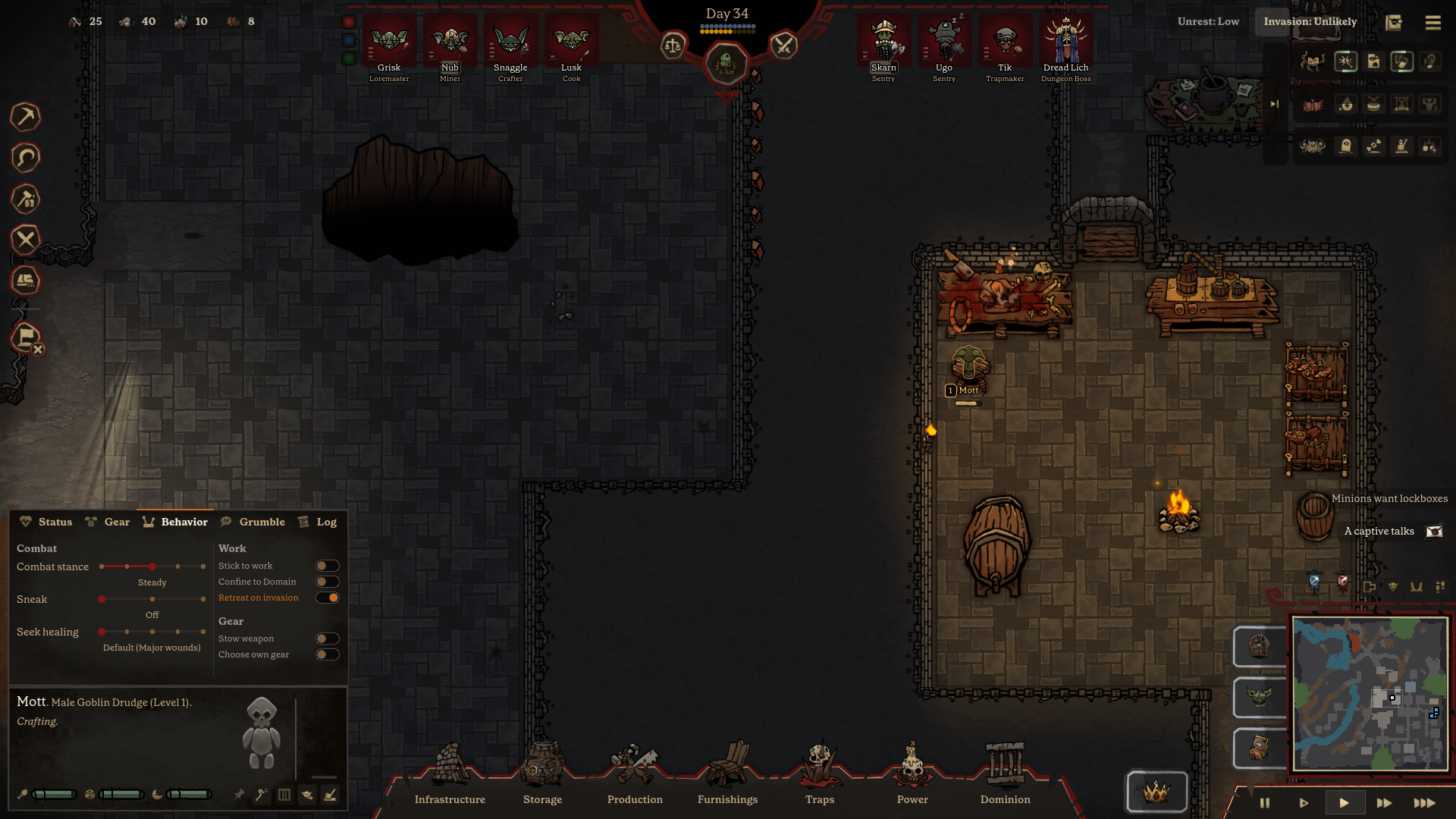
When a minion lacks gear, first check Choose own gear in its Behavior tab and inspect the shelf intended to hold the item. Malignus Wiki recommends checking automatic gear choice and filtered storage before assuming production is the only problem. The official images confirm the gear-policy control and storage filters; they do not establish a complete equipment preference or crafting-recipe system.
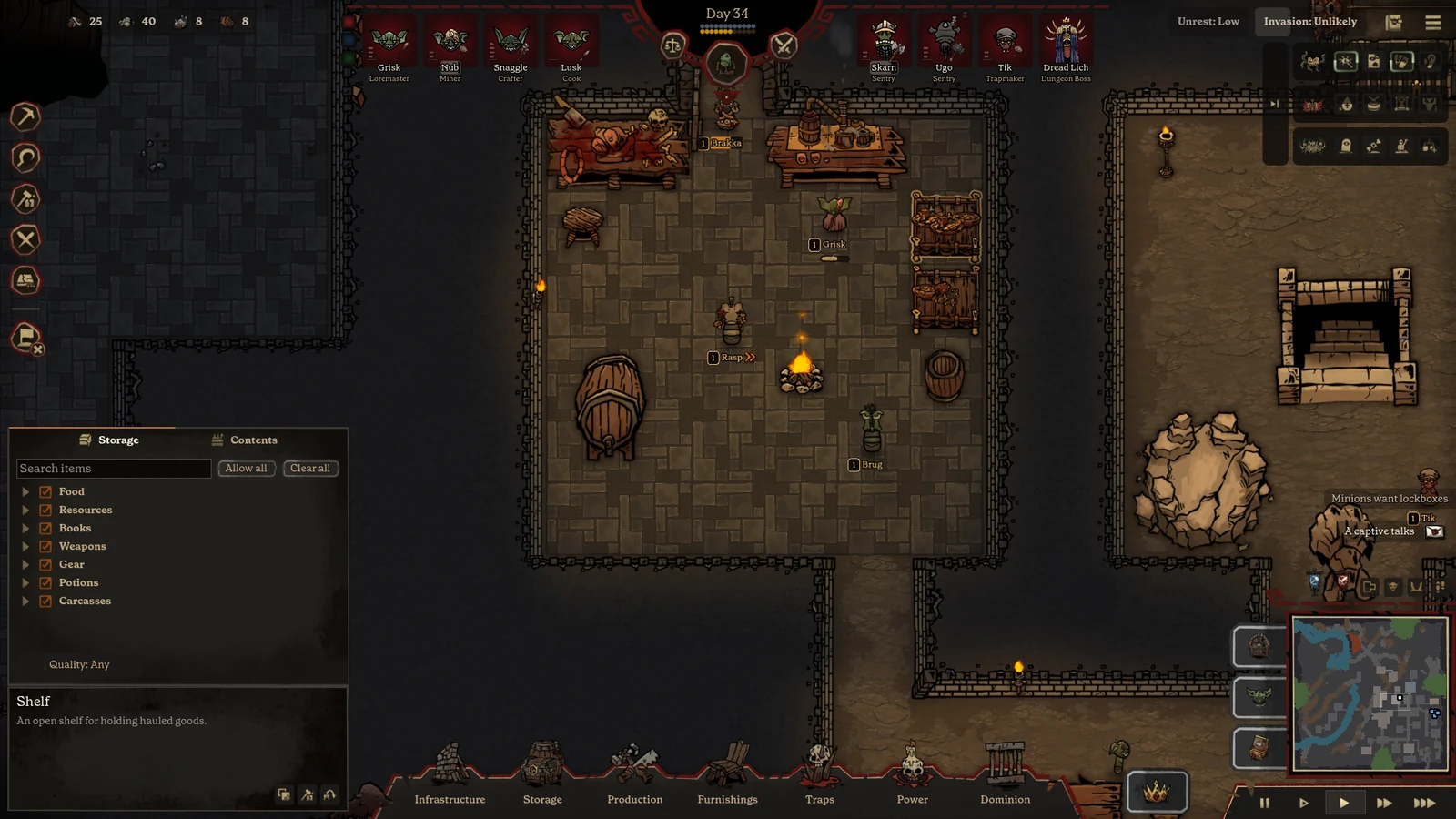
A shelf’s Storage tab controls what it accepts; Contents is a separate tab.
On this page
Decide whether the minion is meant to choose gear
- Select the affected minion and inspect its current equipment.
- Open Behavior and find Choose own gear.
- Compare that policy with your intended role. A worker left to choose equipment and a deliberately managed fighter need a conscious plan.
- Check that the desired item actually exists before looking for an equipment-selection fault.
The guide recommends automatic choice for workers while the production setup is still basic. That is its practical starting recommendation, not evidence that any available item will always be chosen or that the screenshot documents a manual equip command.
Inspect the shelf holding the equipment
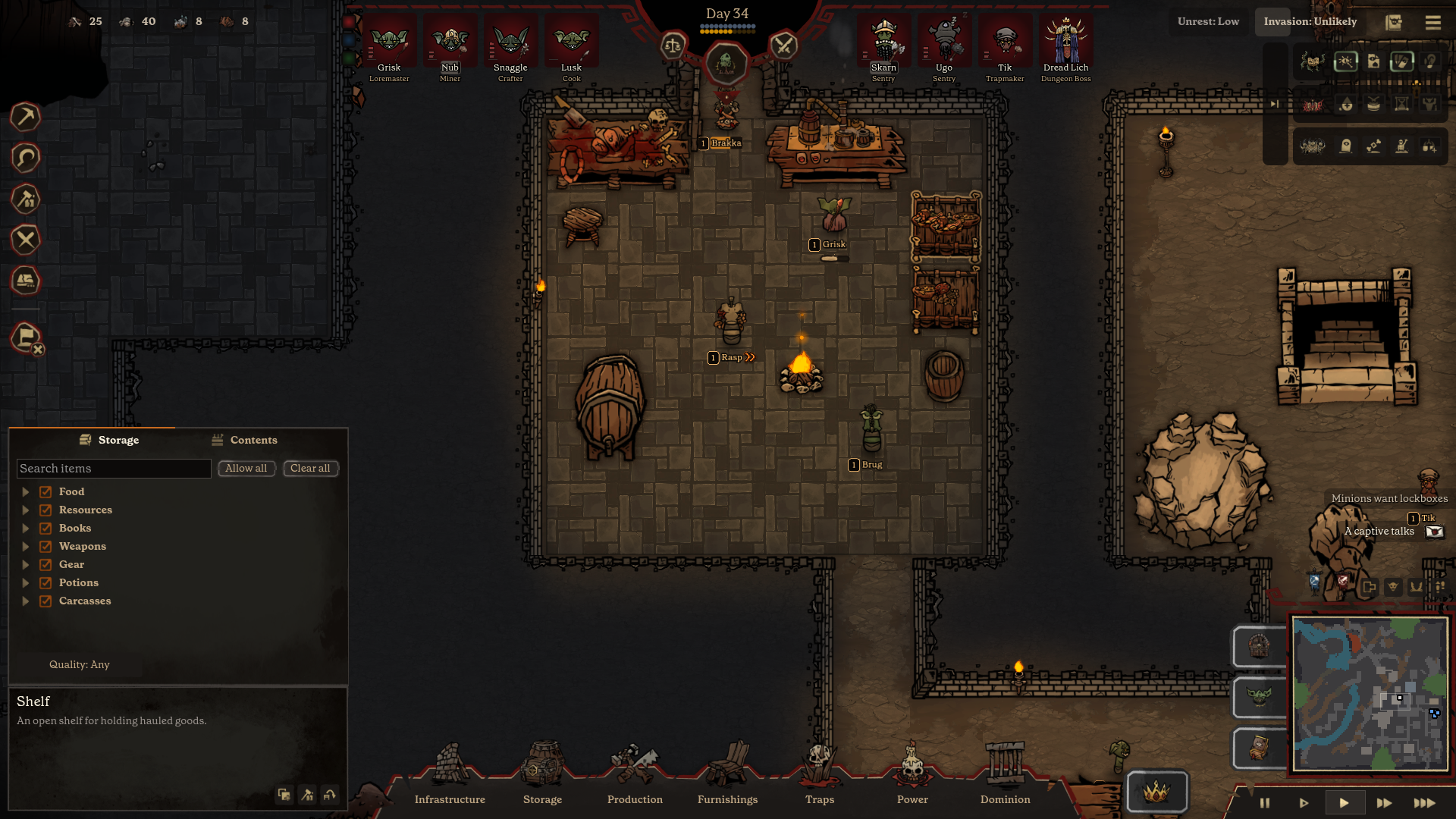
The official shelf interface has Storage and Contents tabs. Use Contents to inspect what is present and Storage to inspect what the shelf accepts. Search items, category filters and Quality are visible controls.
Check the Weapons and Gear branches relevant to your intended storage, then check physical access from the minion’s normal route. Allow all and Clear all are broad controls: use them deliberately rather than replacing an intentional gear shelf with an unexplained catch-all.
A filter specifies accepted storage. It does not prove that a hauler has delivered the item or that the unit will prefer this shelf over every other source.
Separate missing equipment from missing access
If the item was never produced, inspect the crafting or forge setup shown by the current game. This guide does not invent recipes, material counts or equipment thresholds.
If the item exists but remains at a workshop, follow the hauling chain. If it is already stored and reachable, retain the minion’s role, gear policy and item details when investigating further. The reviewed sources cannot settle every automatic equipment decision.
You have separated three cases: the item does not exist, it has not reached usable storage, or the minion has not selected it. Fix the relevant stage before crafting duplicates or changing every shelf.
Sources & version
Official Behavior image and Storage image, downloaded and visually reviewed November 7, 2026. The diagnostic recommendation is from Malignus Wiki’s management guide, captured November 6. Exact game build and a full equipment-selection formula are not supplied.